PlyoPlanner vs Spreadsheets: Why Coaches Are Making the Switch
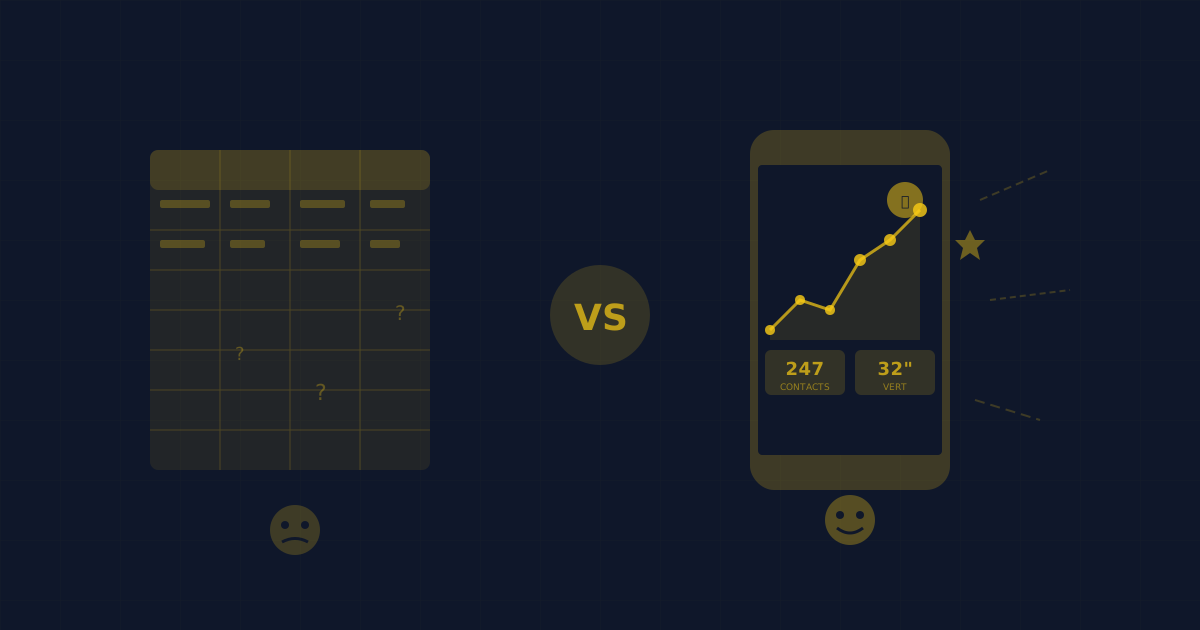
You’ve been there. It’s 10 PM on a Sunday, and you’re staring at a Google Sheet with 47 tabs, trying to figure out which version of Marcus’s training plan is the current one. Was it “Marcus_Plyo_v3_FINAL” or “Marcus_Plyo_v3_FINAL_updated”?
Spreadsheets are where coaching dreams go to die slowly.
Don’t get us wrong—spreadsheets are incredible tools. They’re flexible, free, and everyone knows how to use them. But they were designed for accountants, not coaches. And that mismatch creates friction that compounds over time.
Here’s what we’ve heard from coaches who made the switch.
The Version Control Nightmare
Every coach has a horror story. You send an athlete their program. They screenshot it. You update the program. They keep following the screenshot. Three weeks later, you realize they’ve been doing the wrong progressions the entire time.
Spreadsheets don’t have built-in version control for training programs. You end up with file names like:
Team_Plyo_2026.xlsxTeam_Plyo_2026_v2.xlsxTeam_Plyo_2026_v2_FIXED.xlsxTeam_Plyo_2026_v2_FIXED_final.xlsxTeam_Plyo_2026_v2_FIXED_final_USE_THIS_ONE.xlsx
With PlyoPlanner, there’s one source of truth. When you update a plan, athletes see the update. No confusion, no outdated versions floating around.
The Mobile Problem
Your athletes train at the gym, not at a desk. But have you ever tried to read a detailed spreadsheet on a phone? Pinch, zoom, scroll, lose your place, start over.
Spreadsheets weren’t designed for mobile. You end up creating separate “mobile-friendly” versions, which means more files to maintain and more opportunities for version mismatches.
PlyoPlanner is mobile-first. Athletes can view their programs, log workouts, and track PRs from their phone—without squinting or scrolling sideways.
Manual Everything
Want to see a chart of your athlete’s vertical jump progress over time? In a spreadsheet, that means:
- Collect the data manually
- Format it correctly
- Insert a chart
- Update it every time there’s new data
- Hope you don’t break the formula
In PlyoPlanner, charts build themselves. Athletes log their metrics, and progress charts update automatically. PR detection happens in real-time—you don’t have to scan through rows looking for new bests.
Ground Contacts: The Calculation You Keep Getting Wrong
Plyometric training lives and dies by volume management. Too many ground contacts leads to overtraining injuries. Too few means suboptimal adaptation.
Calculating total ground contacts in a spreadsheet means:
- Knowing how many contacts each exercise produces per rep
- Multiplying by reps, then sets
- Summing across all exercises
- Comparing to evidence-based thresholds
- Doing this for every single program
And if you add an exercise or change the reps? Recalculate everything.
PlyoPlanner does this automatically. Every plan shows total ground contacts with a green/yellow/red indicator. Under 100? You’re good. 100-150? Moderate load. Over 150? Reconsider before you hurt someone.
Sharing Is (Not) Caring
Sharing a spreadsheet with an athlete sounds simple until you deal with:
- Permission settings
- Making sure they’re editing the right tab
- Worrying they’ll accidentally delete a formula
- Hoping they don’t share it with someone else
Or you export to PDF, which means static plans that can’t be updated.
PlyoPlanner lets you invite athletes with one click. They get their own login, see only their assigned programs, and can log workouts without touching your master data.
When Spreadsheets Still Make Sense
We’re not saying spreadsheets are useless. They’re great for:
- Quick one-off calculations
- Personal training logs you never share
- Budget tracking for your coaching business
- Anything truly custom that no software handles
But for managing athletes at scale—especially plyometric programs where volume tracking matters—purpose-built tools save hours every week.
The Real Cost of “Free”
Spreadsheets are free. PlyoPlanner Plus is $9/month.
But what’s your hourly rate? If you spend just 2 hours per month on spreadsheet maintenance, version control, and manual calculations, you’re already losing money on “free.”
And here’s something most coaches don’t know: athletes access PlyoPlanner for free. Only coaches pay. So you’re not passing software costs onto your clients like some platforms require.
Making the Switch
If you’re ready to stop fighting your tools, here’s how to start:
- Sign up free — No credit card required. Build up to 3 training plans.
- Import your exercises — Or use our library of 48+ plyometric movements.
- Invite one athlete — See how much smoother the experience is.
- Upgrade when ready — Plus unlocks unlimited plans, scheduling, and progress tracking.
Your spreadsheet will still be there if you need it. But we’re betting you won’t go back.
Ready to ditch the spreadsheet chaos? Create your free PlyoPlanner account and build your first program in 5 minutes.
Ready to build explosive power?
Start planning your plyometric training today. Free for athletes.
Get Started FreePlyoPlanner Team
Helping coaches and athletes train smarter